The tools are extraordinary. What you create with them matters more. Explore laser fabrication, 3D capture and smart energy—with a creator’s perspective before you invest.
Three buying briefs to connect the specifications to your actual work. These are researched overviews; hands-on reviews will be labeled separately.
LASER & FABRICATION
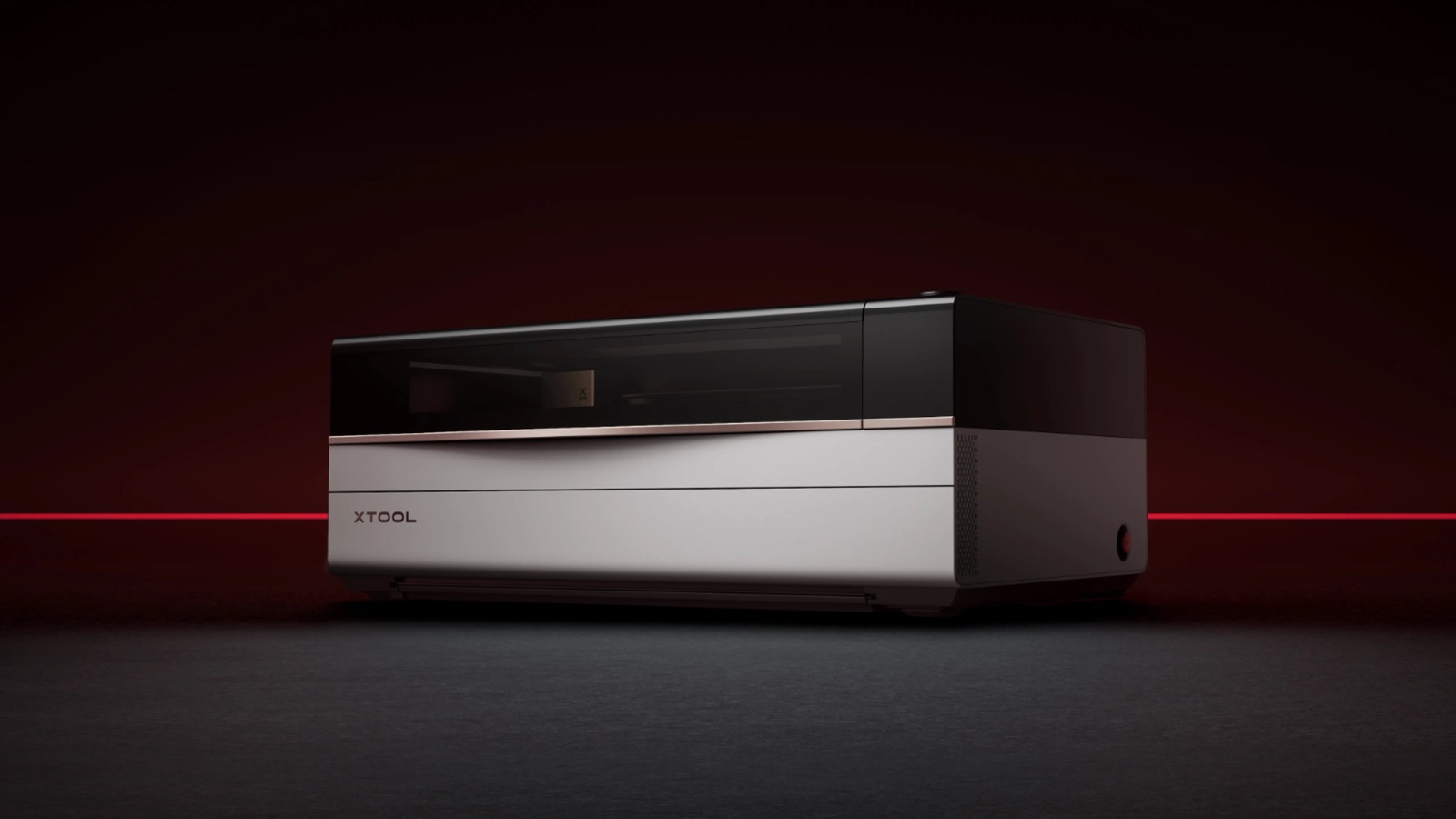
BUYING BRIEF / xTool P3
Is a CO₂ laser the next step for your studio?
Start with your materials, production space and the full cost of getting set up.
Consider for: acrylic work & product fabrication
Read the buying brief +
Match the laser to the material
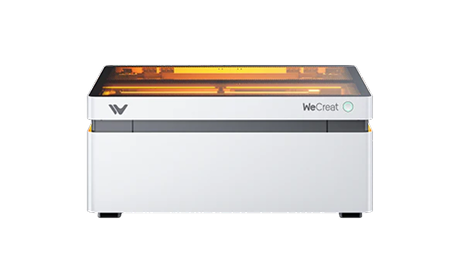
xTool lists the P3 as an 80W CO₂ machine with support for clear acrylic. If that is central to your work, it deserves a closer look alongside diode alternatives.
Plan the whole workspace
The manufacturer lists a 1,250 × 808 × 496mm footprint and 105kg weight. Check access, support, extraction, material handling and included accessories before choosing a bundle.
Decision point: Build a shortlist around your actual materials and expected workload, then calculate the total setup cost.
Explore standalone scanning for a workflow that starts away from your desk.
Consider for: sculpture & object digitization
Read the buying brief +
Capture without a connected PC
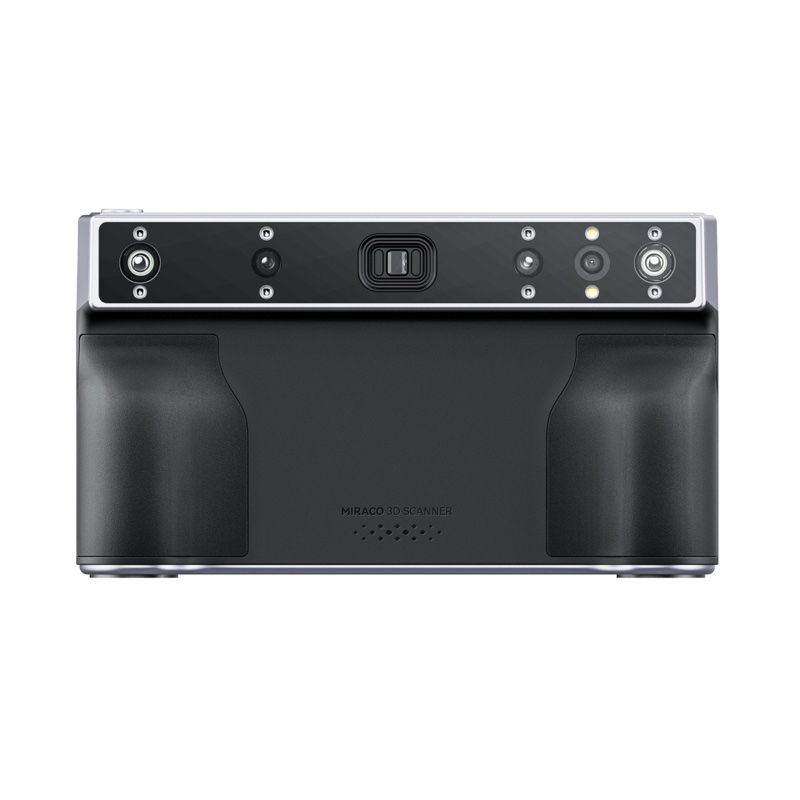
MIRACO combines scanning and on-device processing. That can simplify capture when carrying a laptop around an object would be inconvenient.
Choose around your projects
Revopoint lists 16GB RAM for MIRACO and 32GB for MIRACO Pro, with different frame limits. Compare those limits with the complexity and size of the objects you plan to capture.
Decision point: Account for surface preparation, mesh cleanup and export requirements—not just capture. A scan is one stage of the workflow.
Make sense of output, capacity and the equipment you actually need to run.
Consider for: workspace backup & mobile setups
Read the buying brief +
Capacity and output do different jobs
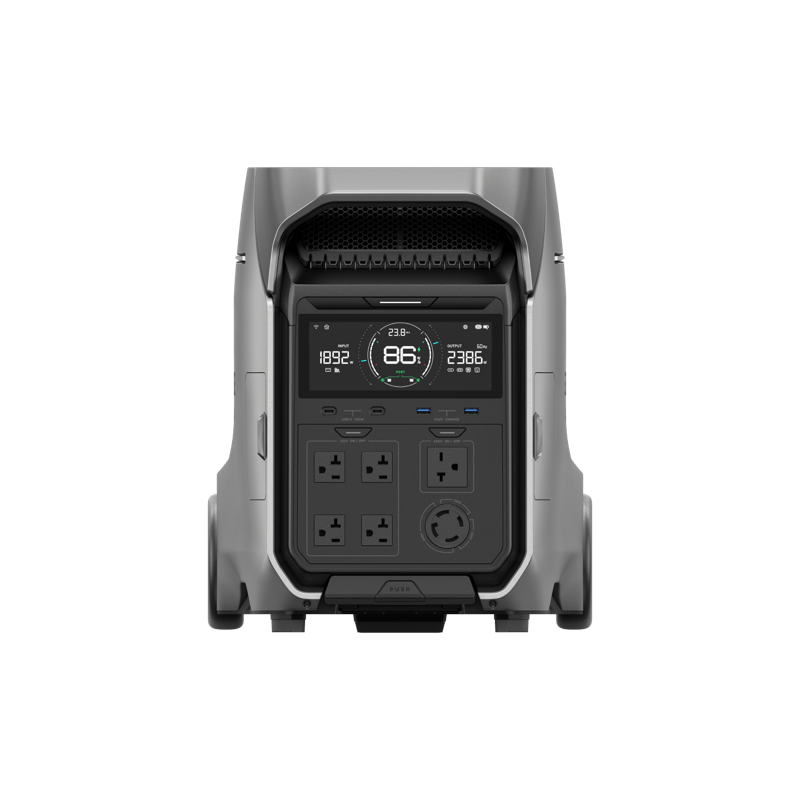
The US model lists 4,096Wh of capacity and 4,000W continuous output. Watts help you assess supported loads; watt-hours help you estimate how long they can run.
Check the complete power plan
List continuous and startup loads, desired runtime and recharge options. Actual runtime depends on operating conditions and conversion losses. At 113.54lb, moving the unit also deserves planning.
Decision point: Confirm voltage and connection compatibility. Running plug-in equipment and integrating home circuits are different setups; home integration may require compatible hardware and a qualified installer.
Manufacturer documentation checked September 21, 2026. Specifications, bundles and availability can change. Product images courtesy of the respective manufacturers.
THE MAKER TECH APPROACH
A tool is only as good as what it helps you create.
Maker Tech brings a design-led perspective to technical purchases. The goal is simple: understand the fit, the trade-offs and the work behind the result.
ER
Edison RodríguezDesigner · 3D creative · Founder, Primitivo Creativos
Maker Tech may earn a commission when you buy through affiliate links, at no additional cost to you. Product coverage does not imply an endorsement by, or an approved partnership with, a manufacturer. The buying briefs on this page are based on manufacturer documentation, not hands-on testing. Any future hands-on review, supplied product or paid placement will be identified clearly.
Always check current specifications, pricing, availability, warranty and local requirements with the manufacturer before purchasing. Brand names and product images belong to their respective owners.


 LASER & FABRICATION